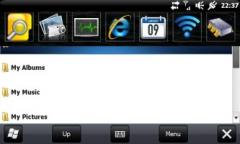
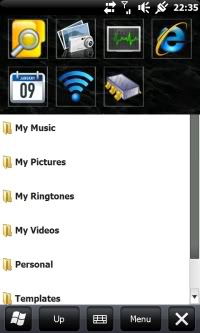
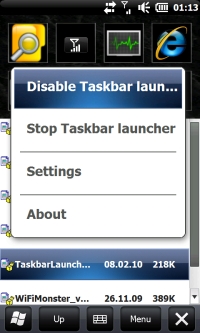
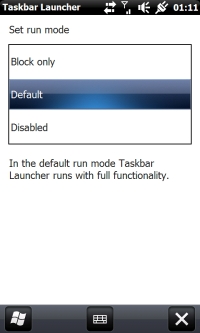
Taskbar Launcher is a little tool that shows a customizable launch pad when you hit the taskbar. If you don't like this launch pad you can also launch something else instead. You can also say to launch nothing at all --> this also disables HTC Notification, Samsung notification if you are on OMNIA, or the annoying taskbar from newer 6.5.x builds.
Attention: Current version is designed for newer 6.5.x builds of Windows Mobile with the start menu on bottom. Taskbar Launcher is blocking all other applications from the taskbar, so it might be a bad idea to use it when your Start menu is still on top.
What's New in This Release:
· support alpha PNGs
· PNGs from custom commands are automatically detected from entry in Start menu etc.
· internal commands can be launched using command line parameters
· Yellow indication when Wifi connection is open
· temporarily disabled highlighted icons when hitting them
· Manila, Phone, Start menu, Home screen and Active Sync is excluded in task manager
· Still possible to switch to home screen/start menu when using prev/next gestures
· immediately update taskbar when status of battery/connection has changed or when waking up from sleep
· removed $HTCVOLUME control because it wasn't reliable.
· added autoclose feature
· new icon set + application icon for TBL
Like it? Share with your friends!
If you got an error while installing Themes, Software or Games, please, read FAQ.
Supported operating systems:
Windows Mobile 6.5 Professional
Other Software by developer «RAMMANN»:
not found
Comments on Taskbar Launcher:
Comments not found
If you noted an error or download link is broken, please, report it via this page or use comments.
Please, select device to check if Taskbar Launcher supports it